
Neon Sign Maintenance Checklist to Keep It Glowing for Years
Keep your LED neon sign bright and flicker-free with a simple maintenance checklist for easy cleaning, care, and quick fixes.
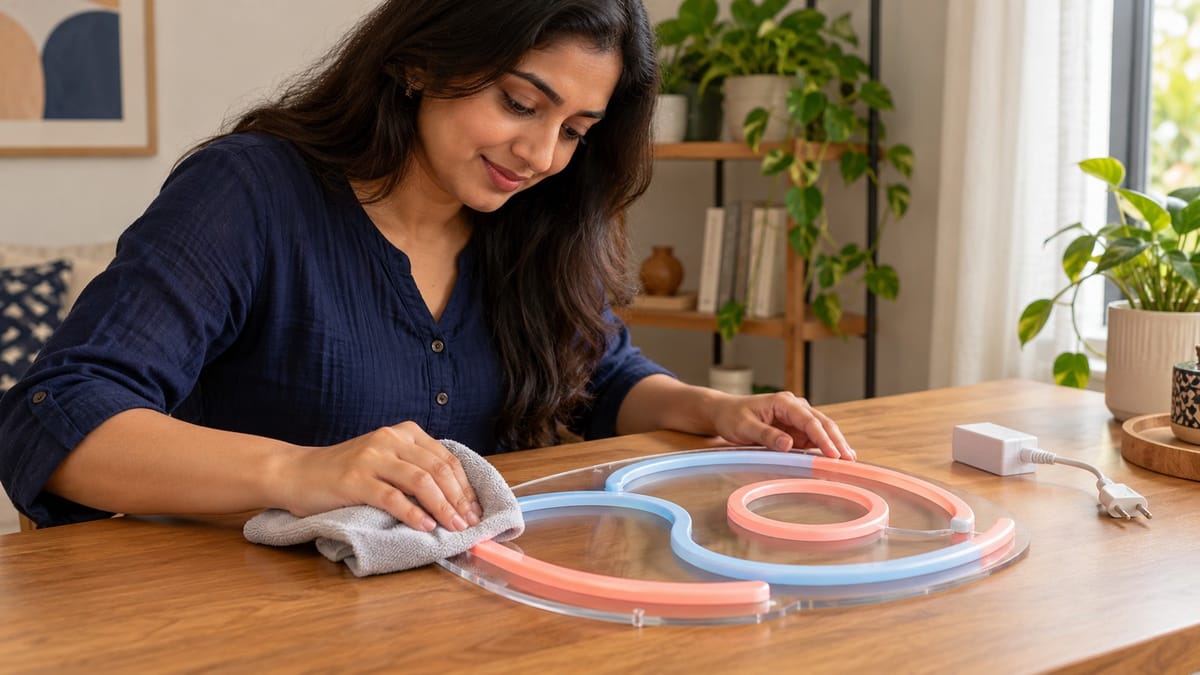
An LED neon sign rarely dies in one dramatic moment. It fades in small ways first. Dust settles into a film that turns a crisp white glow faintly grey, and one section starts to flicker when you nudge the cord. Both have ordinary causes and take minutes to fix if you catch them early.
This neon sign maintenance checklist sorts tasks by how often they need doing, so the sign gets proper care without becoming a weekend chore.
| Task | How often | Time needed |
|---|---|---|
| Dust the sign and check the glow | Every 2 weeks | About 3 minutes |
| Check connectors, cord, and mounts | Every 3 months | About 10 minutes |
| Wash the acrylic with mild soap | Every 3 months (monthly in kitchens) | About 10 minutes |
What Actually Wears Out an LED Neon Sign
Many custom neon signs made for homes today aren't glass tubes filled with gas. They're LED neon flex: rows of small LEDs inside a bendable silicone or PVC tube, fixed to an acrylic backing and powered by a plug-in adapter that steps your 230V supply down to a low DC voltage, usually 12 or 24 volts.

Image Source: Pexels by Martino Grua
The LEDs rarely give up first. When the US Department of Energy ran LED fixtures through extreme heat, humidity, and power cycling, most recorded failures were in the driver circuit, not the LEDs (DOE hammer test summary). On a neon sign, the plug-in adapter does that driver's job.
Brightness also fades with age. The hours rating on a product listing usually means L70 life, when light output drops to 70% of its original level (DOE lumen maintenance guide). Heat speeds that fade up. Dust and loose connections don't age the LEDs, but they make a healthy sign look dim or flicker. All three take minutes to check.
What to Check Every Two Weeks
This check takes about three minutes, and most of it is looking.
- Dust it. Switch off and unplug the sign, then wipe the face and tubing with a soft, slightly damp microfibre cloth. A dry cloth tends to drag grit across acrylic and build static, which pulls in more dust.
- Look at the glow in a dark room. Every letter should glow at the same brightness. Note any dim or flickering section so you can check its connector later.
- After an hour of use, touch the adapter. Warm is normal. Too hot to hold comfortably is not.
Near a busy road or building site, dust weekly.
What to Check Every Three Months
Unplug the sign, then closely inspect the power-carrying parts.
- Connectors. Signs usually connect to the adapter with a small DC plug, often with a second joint at the dimmer. Push each one in firmly. A half-loose plug keeps breaking and remaking the circuit, which shows up as flicker.
- The cord. Run your fingers along it. Look for kinks behind furniture, flattened spots under a sofa leg, or a cord pulled tight to reach the socket.
- Mounts. Screws and standoffs should be snug, with the sign sitting flat. Adhesive strips can soften in high heat (3M says its Command adhesive may lose grip above 40°C), so recheck them after summer.
- The adapter's spot. Adapters generate heat, so keep yours in open air, not folded up in a curtain or tucked behind a TV unit.
If the cord can't reach a socket, use one good spike guard, never a chain of extension cords.
How to Clean a Neon Sign Without Clouding the Acrylic
Acrylic looks like glass but doesn't clean like it. ACRYLITE, an acrylic sheet maker, warns against window-cleaning sprays, scouring compounds, and solvents such as acetone and alcohol, which can scratch or weaken the surface and cause fine cracks called crazing (ACRYLITE care guide). So the glass spray under the sink is out.
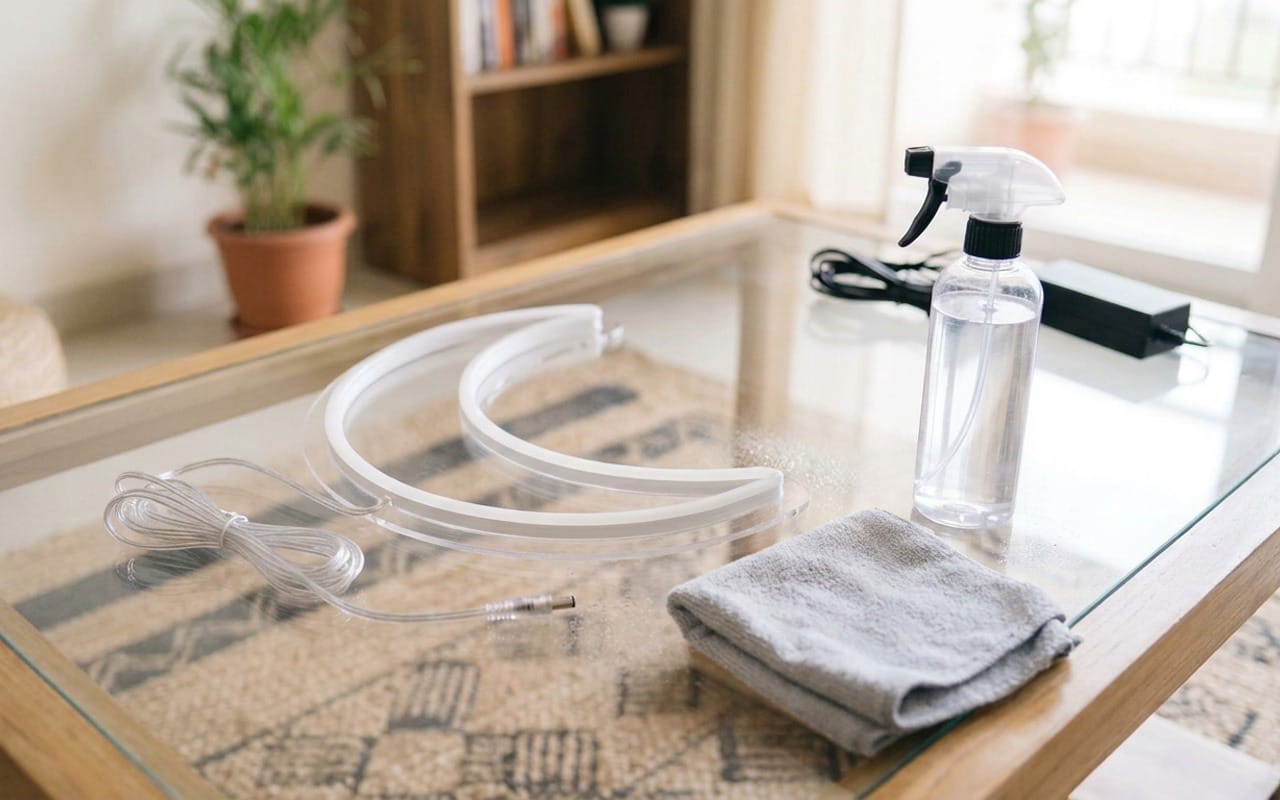
- Unplug the sign and let it cool for a few minutes.
- Stir a few drops of mild dish soap into lukewarm water.
- Wipe the acrylic and tubing with a damp (not dripping) microfibre cloth, then wipe again with plain water and pat dry.
- Keep water away from the adapter and every plug or controller box.
Kitchen signs collect a greasy film faster, as do signs near a pooja corner where diyas and incense burn daily. Wash those monthly.
Habits That Help a Neon Sign Last Longer
Run it below full brightness. Try 60 or 70% on the dimmer. In a lit room, the drop is hard to spot, and less current means less heat in the LEDs and adapter. Save full brightness for parties and photos.
Put it on a schedule. Hours left burning overnight count against its rated life, and a plug-in timer or smart plug turns it off for you. HomeTriangle's festive lighting safety guide gives the same advice for string lights.
Where it hangs matters too; condensation dripping directly under a split AC's indoor unit can turn dust into grime. Strong afternoon sun speeds up yellowing, especially on cheaper PVC tubing.
When a Neon Sign Problem Needs an Electrician
Some faults go beyond a cloth and a screwdriver. UL Solutions, a safety certification company, advises unplugging anything at an outlet that smells odd and not using it again until a qualified electrician checks it (UL Solutions). Stop using the sign and book an electrician if you notice:
- a burning or melting-plastic smell near the adapter or socket
- a socket or plug that feels hot or shows brown scorch marks
- buzzing or crackling from the socket
- the MCB tripping every time the sign is switched on
A failed adapter is usually a simple swap if the new one matches the output voltage, plug size, and polarity, and has an equal or higher current rating. Socket and wiring faults require a licensed electrician.



Comments ()